
Screenshots
App details
- Version
- 3.0.0.1
- Size
- 299.43 KB
- Updated
- July 12, 2019
- Requires
- Windows 98 SE
- Language
- English
- License
- Free
- Developer
- Visit Website
- Category
- Windows OS
SoftPas in:
This product is also available in the following languages:
About Wizz RSS News Reader
Download Wizz RSS News Reader – Fast, Free Firefox RSS Aggregator
Overview
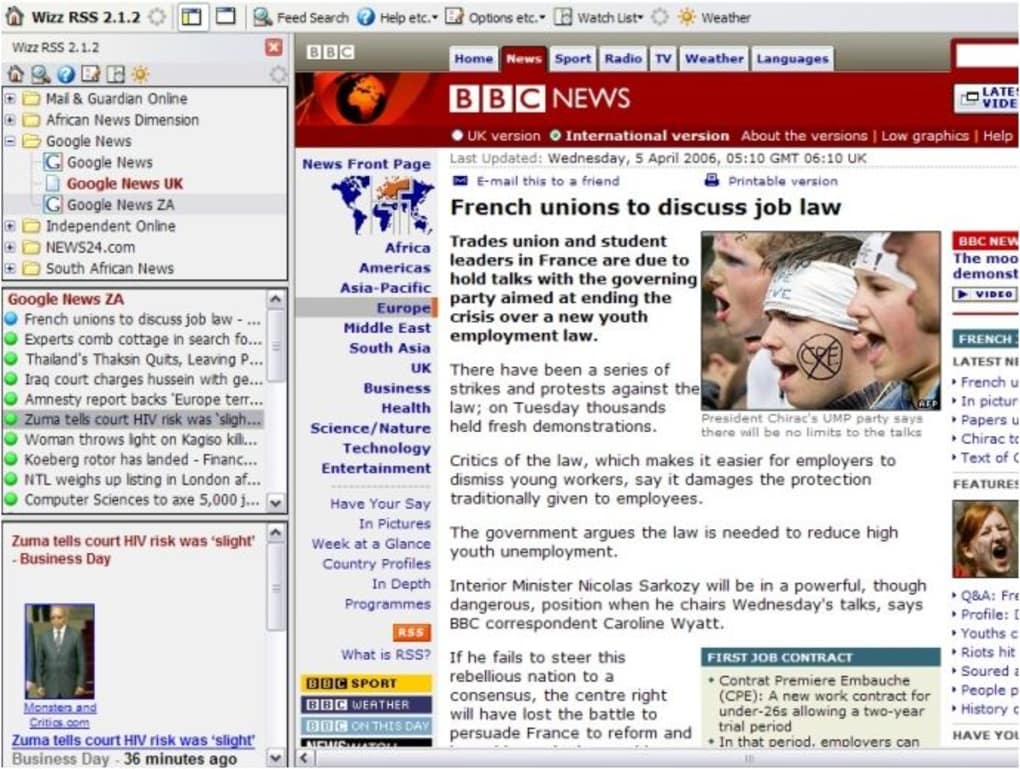
Wizz RSS News Reader is a lightweight, ad‑free RSS and Atom aggregator that lives directly inside Mozilla Firefox. Built as an XUL extension, it eliminates the need to switch tabs or open a separate application when you want to stay on top of your favourite news feeds. The extension offers a drag‑and‑drop Quick View, centralized list storage, and a custom search filter that notifies you when a particular keyword appears in any of your subscribed feeds. While it delivers a seamless reading experience, power users should be aware that the add‑on can increase Firefox’s memory consumption, especially on older machines that already experience the browser’s known memory‑leak issues. Nonetheless, for anyone who spends most of the day in Firefox and prefers a single‑pane solution for RSS, Wizz RSS News Reader remains a practical and secure choice.
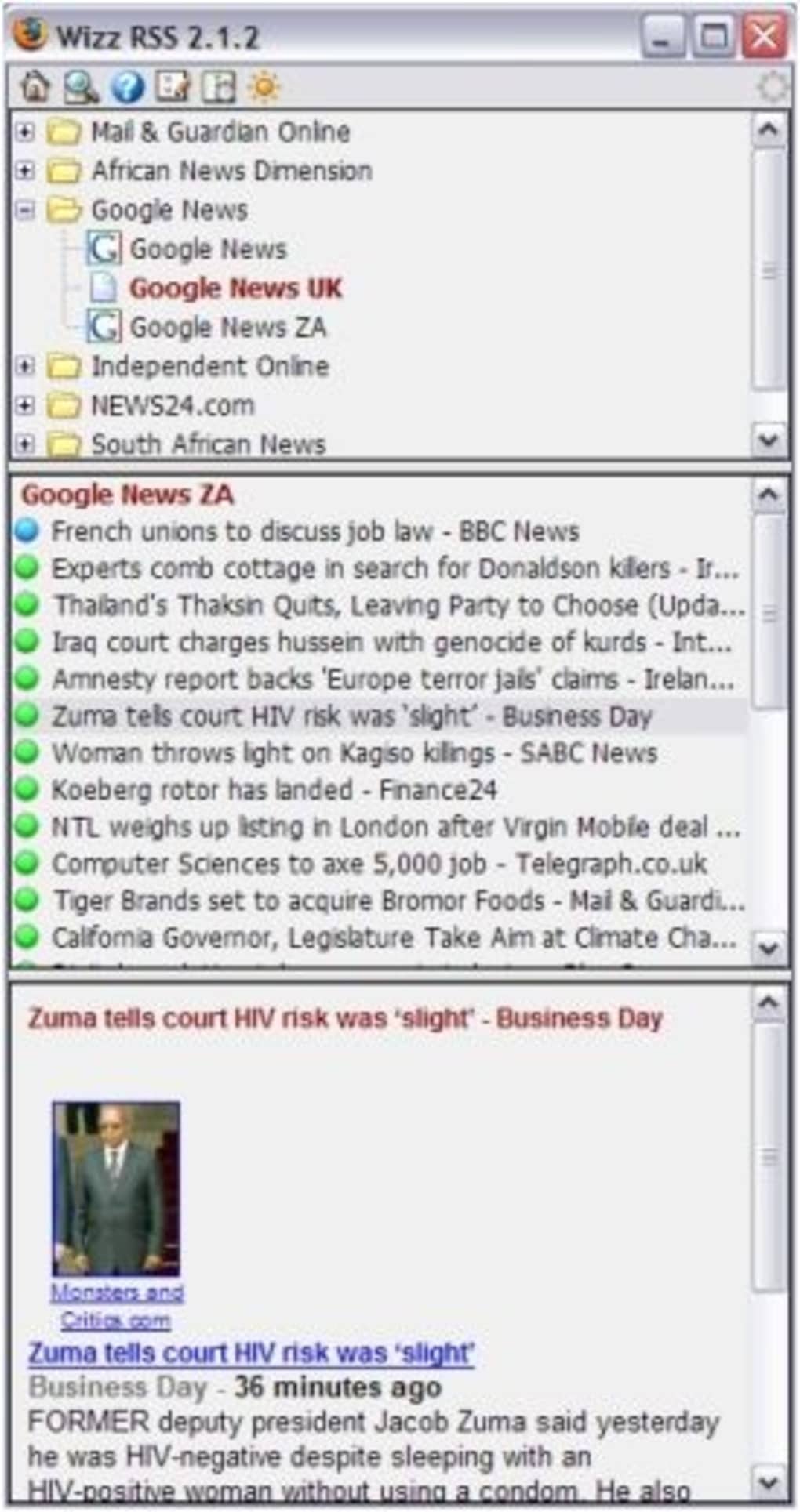
The tool’s design follows the classic Firefox UI language, making it instantly recognizable for long‑time users. Installation is as simple as clicking “Add to Firefox,” and the extension appears as a toolbar button that expands into a compact sidebar. From there you can add feeds, organise them into folders, and even set a global refresh interval that automatically pulls new items without any manual effort. Because it is an open‑source XUL project, the codebase can be audited for security, and updates are pushed through Mozilla’s official add‑on repository, guaranteeing a trustworthy update path.
In summary, Wizz RSS News Reader blends simplicity with enough customisation to satisfy both casual readers and power users who need a dedicated, in‑browser news hub. Its free distribution, lack of adware, and tight integration with Firefox make it a compelling alternative to standalone RSS readers that require separate installations and additional system resources.
Key Features
- Drag‑and‑Drop Quick View: Instantly preview any feed by dragging its URL onto the sidebar—no need to add it permanently.
- Centralised List Storage: Keep all your feeds in a cloud‑synced list, accessible from any Firefox installation.
- Custom Keyword Alerts: Define search terms and receive notifications when new items match your criteria.
- Automatic Refresh: Set a refresh interval (5‑60 minutes) so the reader pulls the latest headlines without manual checks.
- Lightweight UI: Minimalist design that blends with Firefox’s native toolbar and sidebar layout.
- Secure Updates: Distributed through Mozilla’s official add‑on store, ensuring signed and verified releases.
- Cross‑Platform Compatibility: Works on Windows, macOS, and Linux versions of Firefox that support XUL extensions.
- No Advertising or Tracking: Completely free of adware, preserving your privacy while you browse.
Each feature is built with a focus on speed and usability. The drag‑and‑drop Quick View, for example, allows you to test a feed before committing it to your library, which is especially useful when exploring new blogs or news sites. Centralised list storage uses Firefox Sync, meaning you can maintain a single master list of feeds that travels with your Firefox profile across devices. This eliminates the hassle of manually replicating your feed collection on a new computer.
The custom keyword alerts differentiate Wizz RSS News Reader from many other free extensions. By simply typing a phrase like “security breach” or “stock market,” the reader will highlight matching items, helping you catch critical updates in real time. This feature works in the background, leveraging Firefox’s built‑in notification system to alert you without interrupting your workflow.
Installation & Usage Instructions
Getting started with Wizz RSS News Reader is straightforward. Follow these step‑by‑step instructions to download, install, and make the most of the extension:
Step 1 – Download and Install
- Open Firefox and navigate to the official Wizz RSS News Reader page on Mozilla Add‑ons.
- Click the “Add to Firefox” button. A confirmation dialog will appear; select “Add” to grant the required permissions.
- After installation, the extension icon appears on the toolbar. Click it to reveal the sidebar where the reader lives.
Step 2 – Adding Your First Feed
- Copy the URL of the RSS or Atom feed you wish to follow.
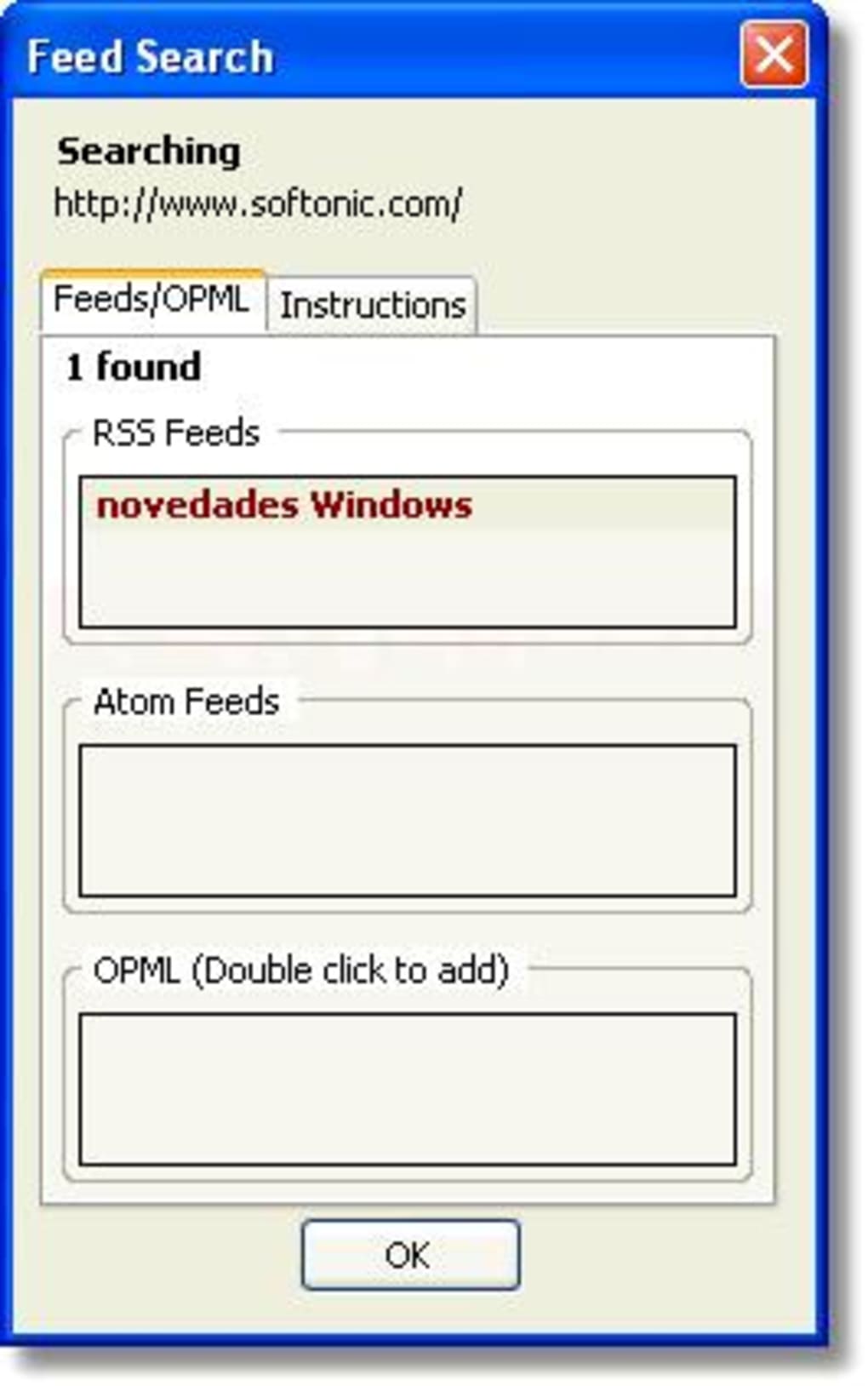
- Drag the URL directly onto the Wizz RSS sidebar. The Quick View window will pop up, showing the latest headlines.
- If you decide to keep the feed, click the “Add to Library” button within the Quick View panel. The feed will be stored in your centralised list.
Step 3 – Organising Feeds
Right‑click any feed in the sidebar to create folders, rename items, or delete unwanted entries. Use the “Move to Folder” option to group similar topics (e.g., Tech, Sports, Finance) for quick navigation.
Step 4 – Setting Up Keyword Alerts
Open the settings gear icon, navigate to “Alerts,” and type the keywords you want to monitor. Choose whether alerts appear as desktop notifications or as highlighted items within the feed list.
Step 5 – Optimising Performance
Because the add‑on can increase RAM usage, it’s advisable to adjust the automatic refresh interval to a higher value (e.g., 30 minutes) on older machines. You can also disable Quick View for rarely used feeds to minimise memory overhead.
Once configured, Wizz RSS News Reader runs silently in the background, delivering fresh content directly to your Firefox window without the need for any external apps.
Compatibility, Pros & Cons
Wizz RSS News Reader is compatible with all desktop versions of Firefox that support XUL extensions, including Windows 10/11, macOS 10.15+ (Catalina and later), and most Linux distributions with Firefox installed. It does not run on mobile versions of Firefox or on other browsers such as Chrome or Edge.
Pros
- Seamless integration with Firefox eliminates the need for a separate RSS client.
- Free, open‑source, and completely ad‑free.
- Powerful drag‑and‑drop Quick View accelerates feed discovery.
- Keyword alerts help you stay on top of critical news without manual scanning.
- Centralised list storage via Firefox Sync keeps feeds consistent across devices.
Cons
- Increases Firefox’s RAM consumption, which can be noticeable on older PCs.
- Only works on desktop Firefox; no support for mobile browsers.
- Limited visual customisation compared to full‑featured standalone readers.
- Relies on XUL, a technology that Mozilla is gradually deprecating, potentially affecting future updates.
Overall Rating: 4 out of 5 stars – Wizz RSS News Reader delivers a smooth, integrated RSS experience for Firefox power users, with the trade‑off of higher memory usage.
Frequently Asked Questions
Can I use Wizz RSS News Reader on Firefox for Android?
No. The extension relies on XUL, which is only supported in desktop versions of Firefox. Mobile Firefox does not support XUL extensions, so you’ll need a separate mobile RSS app.
Is my data safe when I store feeds centrally?
Yes. Centralised list storage uses Firefox Sync, which encrypts your data before it leaves your device. Only you can decrypt it with your Firefox account credentials.
How can I reduce the memory impact on my PC?
Adjust the automatic refresh interval to a longer period (e.g., 30‑45 minutes) and disable Quick View for feeds you rarely read. Closing unused tabs also helps keep overall RAM usage lower.
Does the extension support both RSS and Atom formats?
Yes. Wizz RSS News Reader can read standard RSS 2.0 feeds as well as Atom 1.0 feeds, providing flexibility for a wide range of content providers.
Will I receive updates automatically?
Updates are delivered through Mozilla’s add‑on store. When a new version is published, Firefox will automatically download and install it, unless you have disabled automatic updates in your preferences.
Conclusion & Call to Action
Wizz RSS News Reader stands out as a purpose‑built, free solution for anyone who lives inside Firefox and wants a quick, secure way to keep up with multiple news sources. Its drag‑and‑drop Quick View, centralised sync, and keyword alert system provide a level of convenience that rival standalone desktop readers, while the seamless toolbar integration ensures you never have to leave your browsing environment.
Although the extension can increase memory usage, the trade‑off is often worth it for users who value immediacy and a clutter‑free workflow. The fact that it’s ad‑free, regularly updated via Mozilla’s official channel, and respects user privacy makes it a reliable addition to your daily browsing toolkit.
If you’re ready to streamline your news consumption without juggling separate applications, simply click the “Add to Firefox” button on the official add‑on page, configure your feeds, and let Wizz RSS News Reader do the heavy lifting. Stay informed, stay organized, and keep your browsing experience focused—all from within the browser you already love.
Download Wizz RSS News Reader now and transform the way you read the web.
Guides & Tutorials
How to install Wizz RSS News Reader
- Click the Download button above.
- Once redirected, accept the terms and click Install.
- Wait for the Wizz RSS News Reader download to finish on your device.
How to use Wizz RSS News Reader
This software is primarily used for its core features described above. Open the app after installation to explore its capabilities.
User Reviews
No reviews yet. Be the first to share your experience.
You may also like
more
Llama 2
Free-to-use large language model As the new addition to Meta’s arsenal of langua...

NotebookLM
Revolutionizing the note-taking and idea-generation process NotebookLM is an exp...

Github co pilot
AI-inspired software development and coding platform GitHub Copilot is a browser...

Google Gemma
Google’s lightweight AI models Introducing Google Gemma , a family of cutting-ed...

AI Image Enlarger
A free app for Windows, by ai-image-larger. AI Image Enlarger is a free software...

DALL E
AI-driven text-to-image transformation engine DALL·E is a free graphic and desig...